
Product Details
BE-CBVW Video Wall Control Box with Access rights Control Manager of DV-9525/AV-9520/AV-9530 KVM over IP
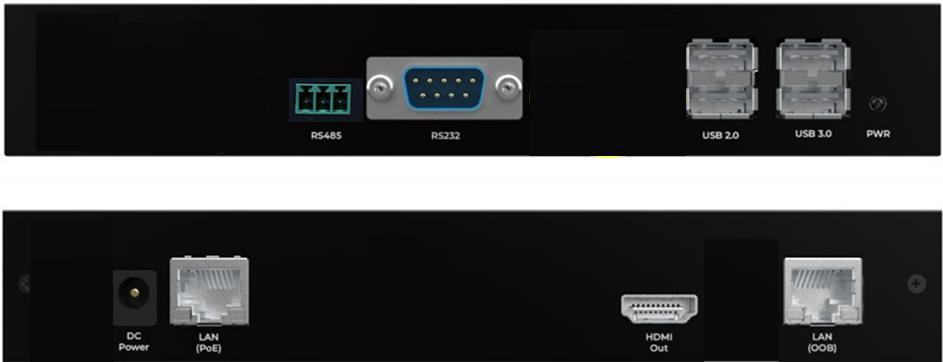
The BE-CBVW control Box is the control manager of DV-9525/AV-9520/AV-9530 kvm over ip and it is an industrial control interfaces into a compact edge computing solution. Powered by a quad-core ARM Cortex-A55 CPU (up to 1.7 GHz) and a Mali-G57 GPU. For enhanced connectivity, the control box integrates dual Gigabit Ethernet ports. It also provides RS232 and RS485 interfaces for industrial device control.
With 2 GB DDR4 memory, 16 GB eMMC storage, and comprehensive I/O options (USB 3.0, HDMI), the BE-CBVW is ideal for smart factory, industrial automation. The BE-CBVW builds in the video wall function by web-based with Linux operating system.
Product Description
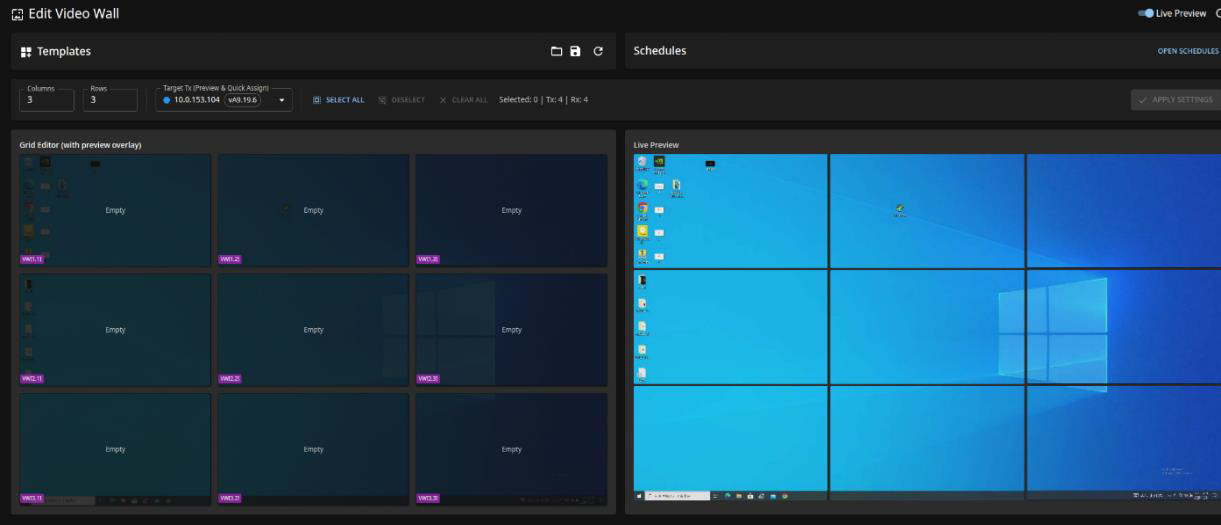
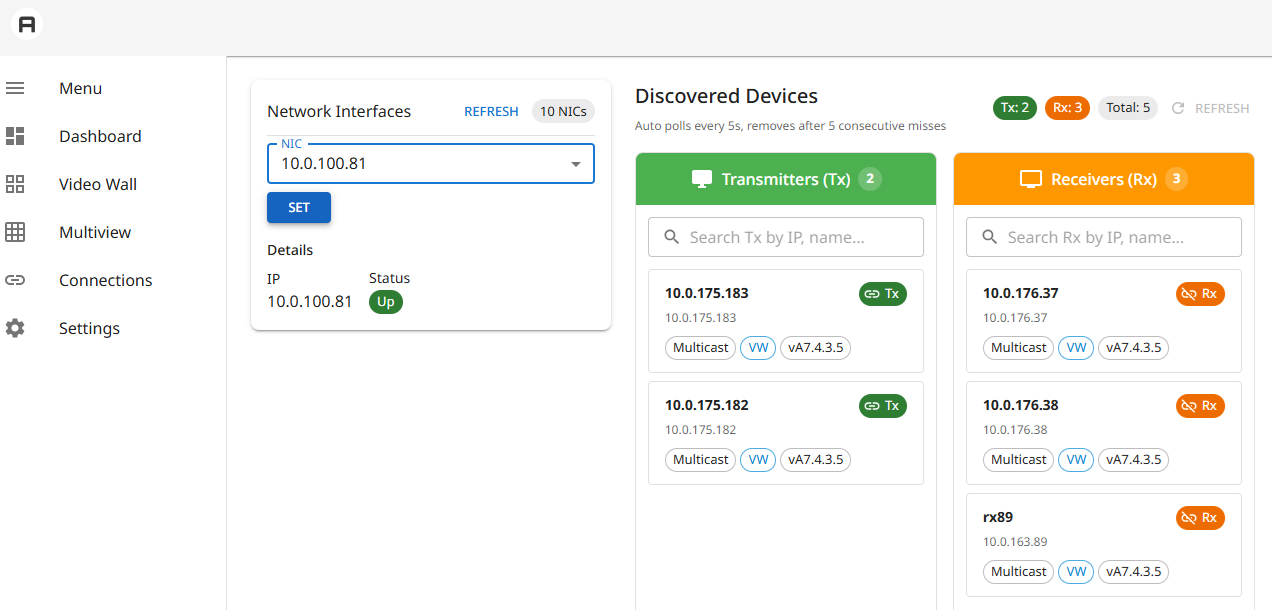
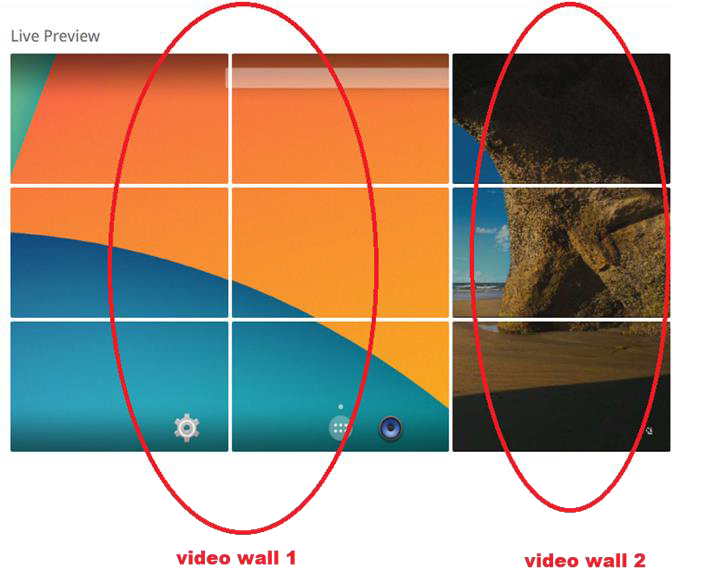
The BE-CBVW can search for DV-9525/AV-9520/AV-9530 Tx and Rx, setting the information of Transmitters and Receivers , BE-CBVW can set the Multiview to preview the screens of transmitters in one screen ,it also can set the video wall to be 2×2…8×8,etc. , each screen can be up to 1080p(DV-9525),4k@30(AV-9520) or 4K@60(AV-9530) resolutions. There are layouts, templates and schedules settings in the video wall. The 4K Encoder/Decoder engine built with Scaling function, multiple RXs are flexible to be configured as Video-Wall displays with 180゜, 270゜Rotation.
BE-CBVW allows user to set the access rights for the transmitters when receivers try to login transmitters ,there is auto-login function for the receivers of video wall.
Features:
Quad-core ARM Cortex-A55 up to 1.7 GHz
Large private & shared CPU Caches for enhanced performance
Mali-G57 GPU, delivering 2× graphics performance over Mali-G31
High-Speed Connectivity: Integrated Gigabit Ethernet MAC + PHY
Smart Display: HDMI 2.1 output with up to 4K60 HDR
Provide Connection Manager Software for Tx/Rx management of matrix connection
Provide setting to set the Tx/Rx information as ip , device name ,multicast/unicast etc..
Provide Video wall to set layouts , templates , schedules , and preview video wall.
Provide Multiview to set multi transmitters and preview the transmitters in one screen simultaneously.
Provide Username/password to login and manage the control manager.
Provide the settings of access rights with username & password/user group/transmitter/transmitters group.
Support auto-login function for the receivers of video wall.
Reviews
There are no reviews yet.